Skip to content
No results
  • Home
  • Handhelds
  • Game Sticks
  • Emulation
  • Guides
    • Setup & Troubleshooting
    • Accessories & Maintenance
  • Reviews
  • Classic Games
BootPixel
  • Home
  • Handhelds
  • Game Sticks
  • Emulation
  • Guides
    • Setup & Troubleshooting
    • Accessories & Maintenance
  • Reviews
  • Classic Games
BootPixel
  • Emulation & Systems, Setup & Troubleshooting

RetroArch Explained: Cores, Content, Playlists, and Settings
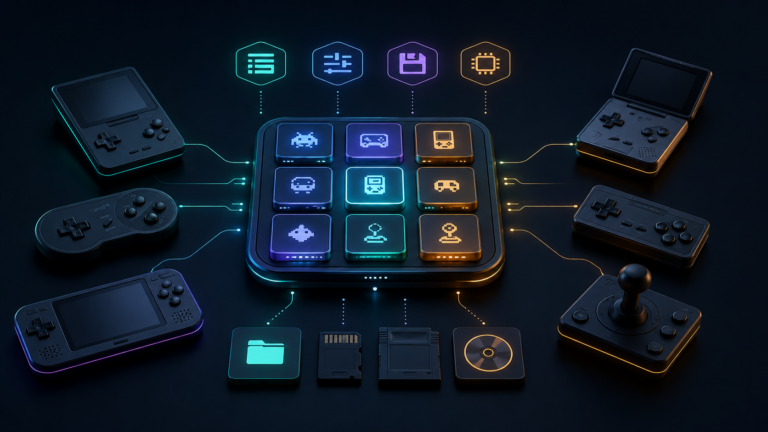
RetroArch cores, playlists, settings, and save files connected to retro gaming devices

Understand how RetroArch works: learn what cores, content, playlists, BIOS files, save states, and configuration directories do before changing settings.

  • BootPixel
  • August 14, 2026
  • Game Sticks, Setup & Troubleshooting

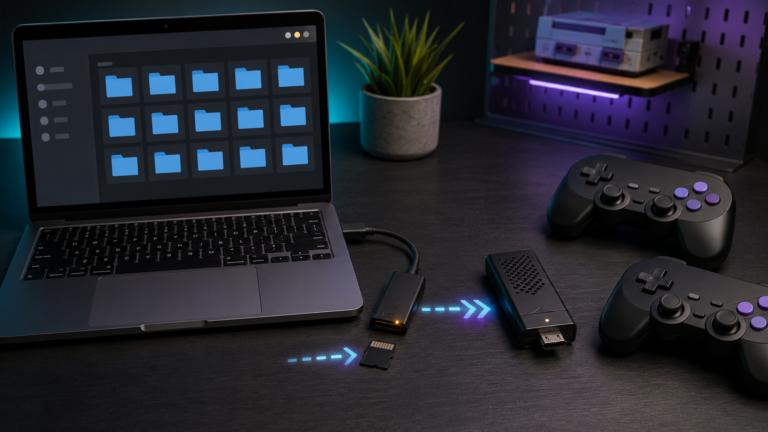
How to Add Games to a Retro Game Stick Without Breaking the SD Card

Game files being organized and transferred to a retro game stick microSD card

Add games to a retro game stick safely: back up the card, use the correct folders and formats, refresh the library, test saves, and avoid corruption.
  • BootPixel
  • August 14, 2026
  • Game Sticks, Setup & Troubleshooting

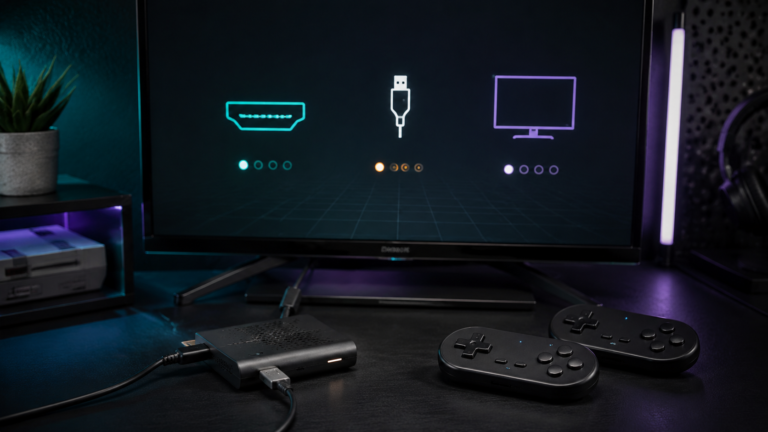
Retro Game Stick No Signal? How to Fix HDMI, Power, and Boot Problems

Retro game stick HDMI, power, and controller troubleshooting setup

Fix a retro game stick with no signal: check HDMI input, power, display compatibility, microSD health, controller dongles, and safe recovery steps.
  • BootPixel
  • August 14, 2026
  • Accessories & Maintenance, Setup & Troubleshooting

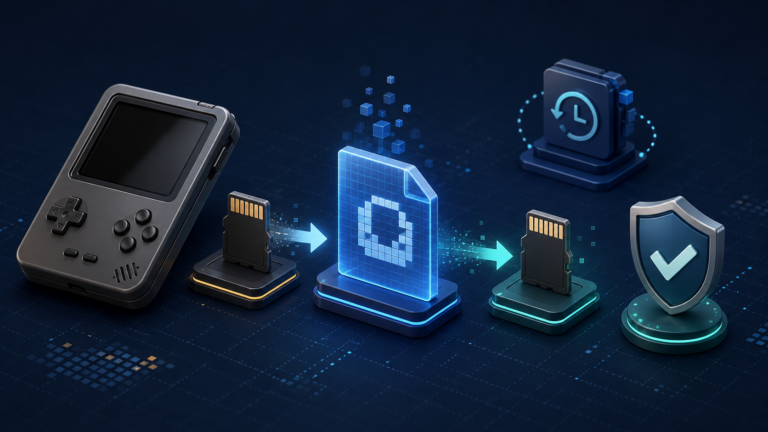
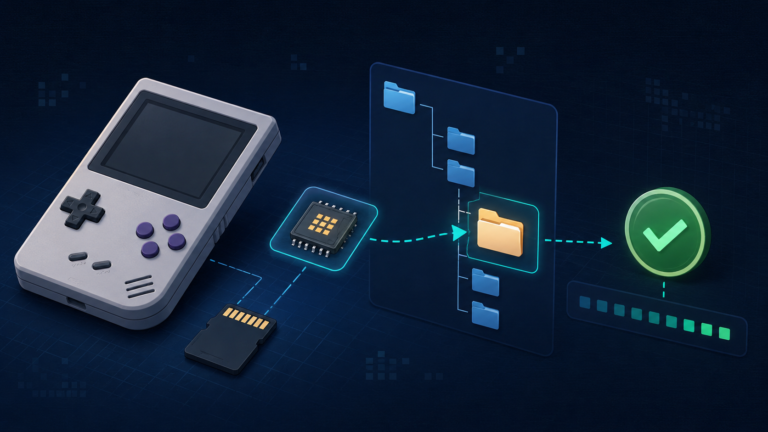
How to Back Up and Clone a Retro Handheld microSD Card Safely

Retro handheld microSD card backup workflow showing an original card, disk image, verified replacement card, and protection shield.

A retro handheld can store its operating system, emulator settings, BIOS files, game library, and saves on one or two tiny microSD cards. If a card becomes corrupted or stops working, replacing the hardware is easy; rebuilding every setting and…
  • BootPixel
  • August 14, 2026
  • Emulation & Systems, Setup & Troubleshooting

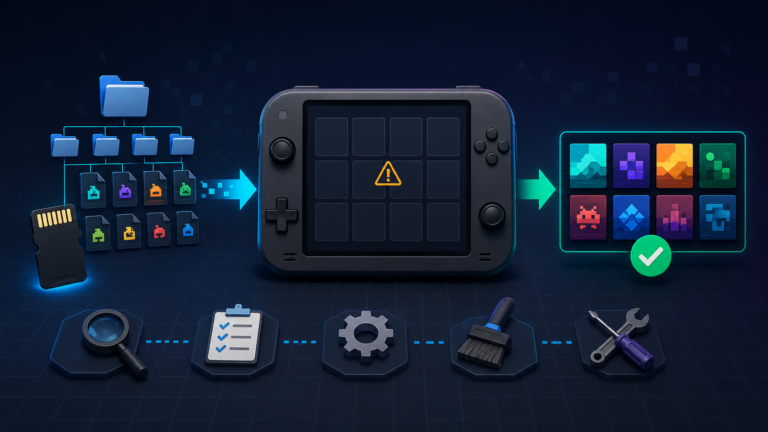
Retro Handheld BIOS Files Explained: What They Are and Where to Put Them

Retro handheld BIOS setup workflow with firmware file, system folders, microSD card, and verification check.

Learn what BIOS files do on a retro handheld, where to place them, and how to verify filenames, folders, and checksums before troubleshooting.
  • BootPixel
  • August 14, 2026
  • Retro Handhelds, Setup & Troubleshooting

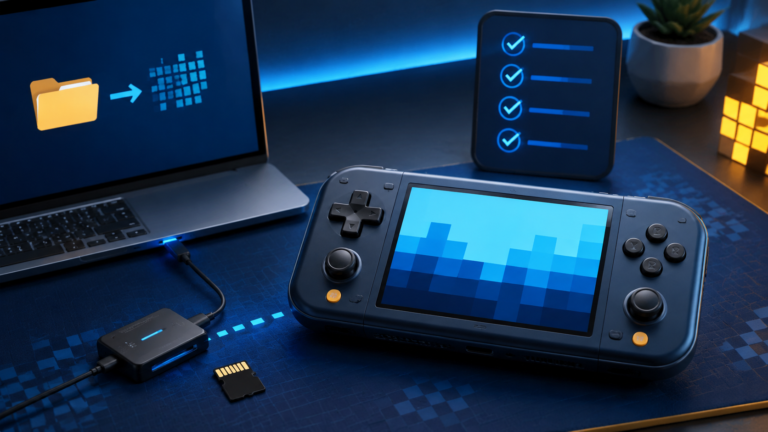
Why Games Aren’t Showing Up on Your Retro Handheld (and How to Fix It)

Retro handheld troubleshooting workflow showing game files restored to the device library.

Games missing from your retro handheld? Check ROM folders, file formats, game-list refresh, BIOS requirements, filters, and microSD card errors.
  • BootPixel
  • August 14, 2026
  • Retro Handhelds, Setup & Troubleshooting

How to Set Up a Retro Handheld for the First Time

Retro handheld console beside a laptop, microSD card, and setup checklist.

Set up a retro handheld safely: back up the original card, install compatible firmware, add games and BIOS files, test saves, and avoid common mistakes.

  • BootPixel
  • August 13, 2026

Copyright © 2026 BootPixel. All rights reserved.
About · Contact · Privacy · Terms · Disclosure