What Can a Retro Game Stick Emulate? Realistic Expectations by Console Generation
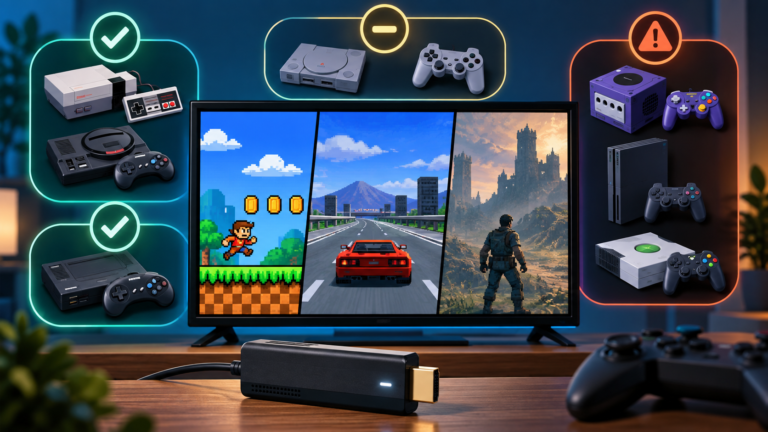
Learn what retro game sticks can realistically emulate, from 8-bit consoles to PS1, N64, Dreamcast, PSP, and beyond—and why hardware details matter.


Learn what retro game sticks can realistically emulate, from 8-bit consoles to PS1, N64, Dreamcast, PSP, and beyond—and why hardware details matter.
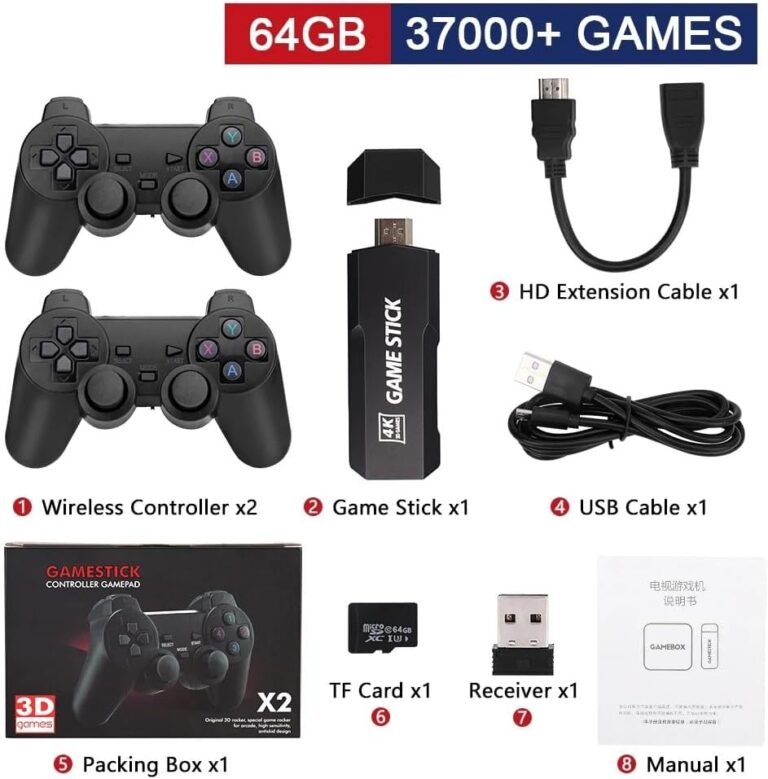
The GD10 promises simple plug-and-play retro gaming, 64GB of storage, HDMI output, and two wireless controllers. Here is what the listing confirms, what remains unclear, and what buyers should check before ordering.
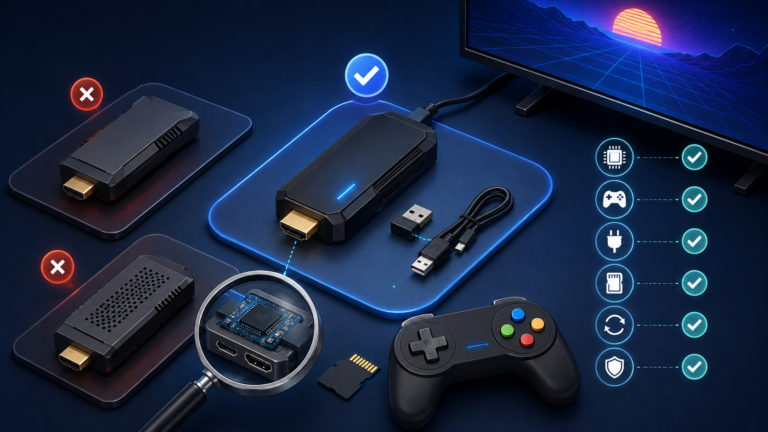
Learn how to choose a retro game stick by checking its hardware, controllers, power, storage, software recovery, performance claims, and warranty.
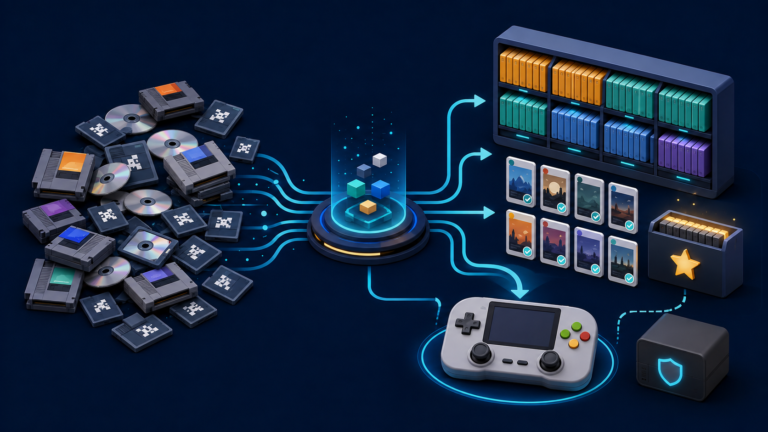
Organize a large retro game library with a clean folder structure, consistent names, useful metadata, custom collections, and reliable backups.
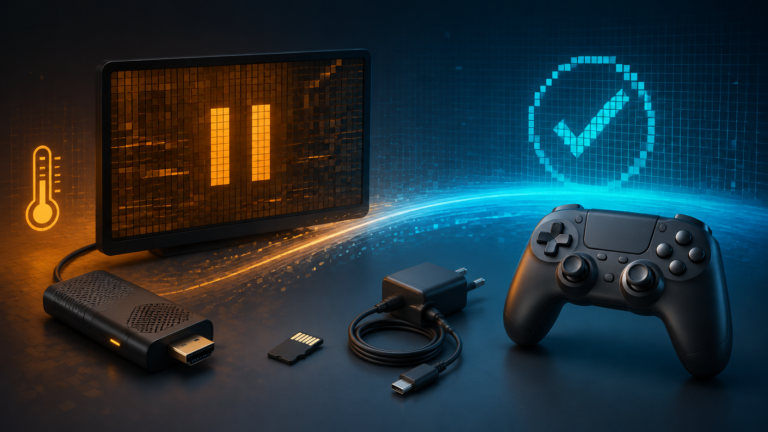
Fix a retro game stick that freezes or crashes by checking power, heat, the system card, game files, emulator settings, and controller input in the right order.
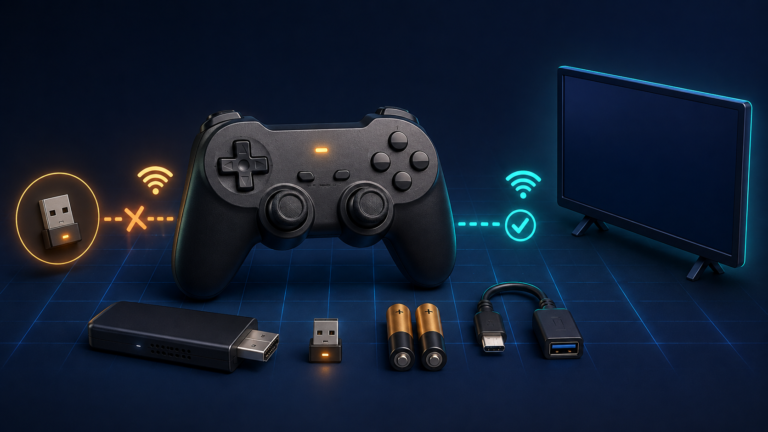
Fix a retro game stick controller that is not working by checking batteries, the 2.4 GHz receiver, pairing, player assignment, and button mapping in the right order.
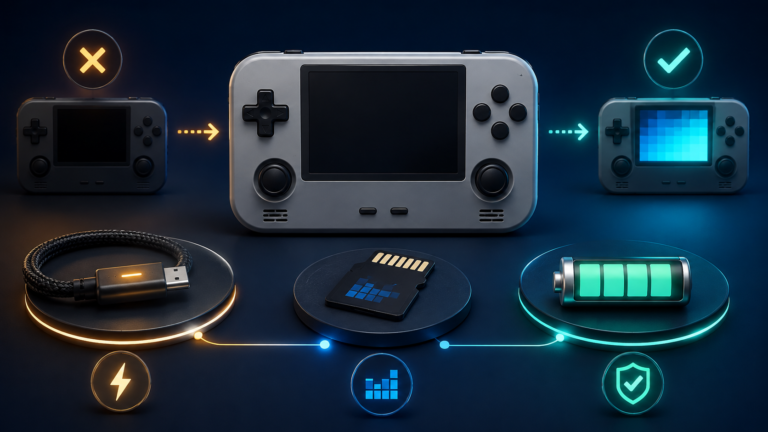
Diagnose a retro handheld that won’t turn on by checking charging, the system microSD card, firmware, black-screen symptoms, and battery safety in the right order.
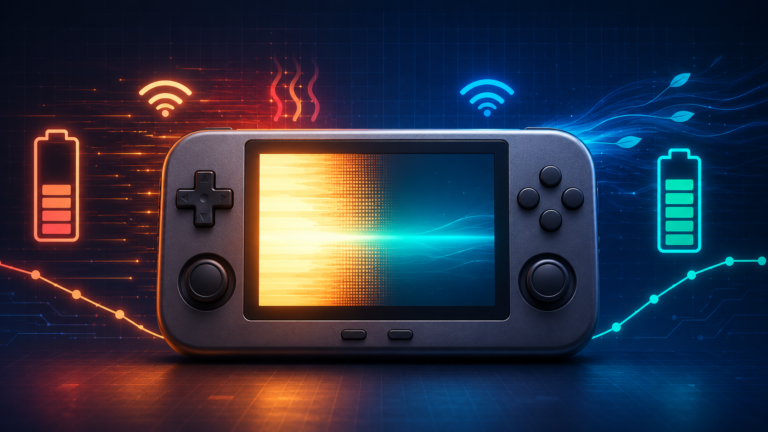
Fix a retro handheld battery draining fast by adjusting brightness, performance modes, emulator workload, wireless features, cooling, sleep behavior, and charging.
Fix a slow retro handheld by diagnosing emulator settings, frame drops, thermal throttling, power modes, and microSD problems step by step.
A careful workflow for turning BIN/CUE disc images into smaller CHD files while preserving tracks, testing compatibility, and keeping recoverable backups.