How to Organize a Large Retro Game Library: Folders, Names, Metadata, and Backups
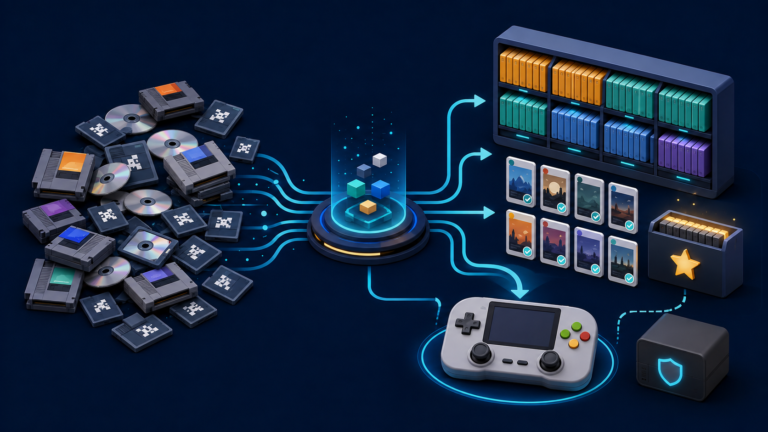
Organize a large retro game library with a clean folder structure, consistent names, useful metadata, custom collections, and reliable backups.

Organize a large retro game library with a clean folder structure, consistent names, useful metadata, custom collections, and reliable backups.
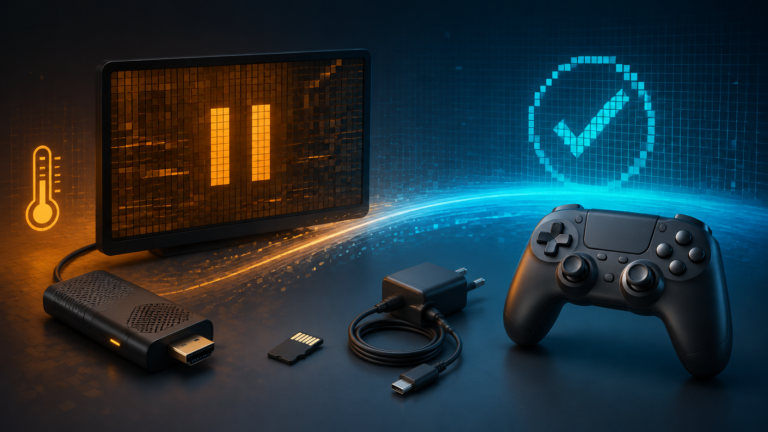
Fix a retro game stick that freezes or crashes by checking power, heat, the system card, game files, emulator settings, and controller input in the right order.
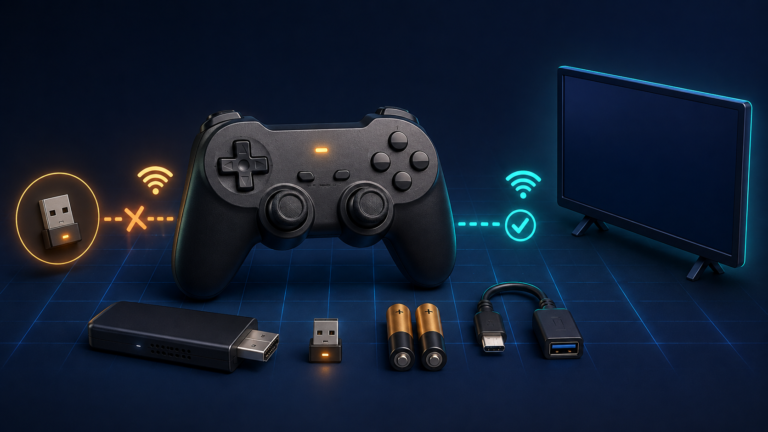
Fix a retro game stick controller that is not working by checking batteries, the 2.4 GHz receiver, pairing, player assignment, and button mapping in the right order.
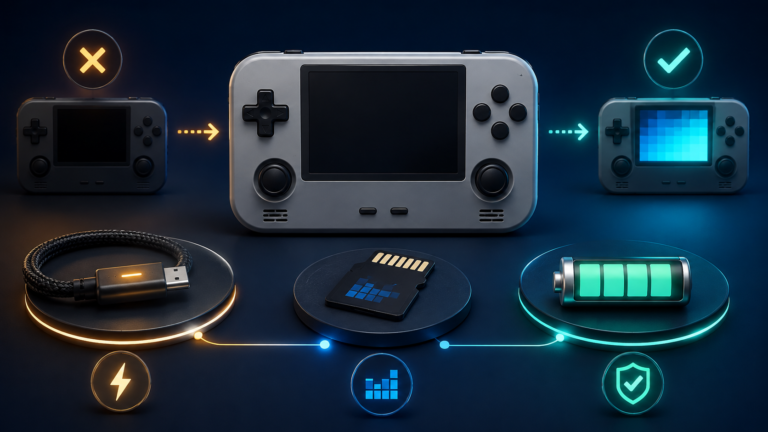
Diagnose a retro handheld that won’t turn on by checking charging, the system microSD card, firmware, black-screen symptoms, and battery safety in the right order.
Fix a retro handheld battery draining fast by adjusting brightness, performance modes, emulator workload, wireless features, cooling, sleep behavior, and charging.
Fix a slow retro handheld by diagnosing emulator settings, frame drops, thermal throttling, power modes, and microSD problems step by step.
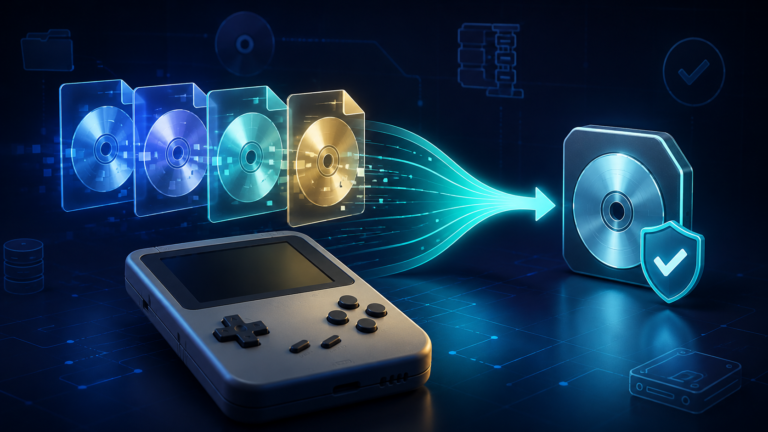
A careful workflow for turning BIN/CUE disc images into smaller CHD files while preserving tracks, testing compatibility, and keeping recoverable backups.
Missing cheat files or codes that do nothing? Follow eight checks for downloads, game versions, activation, core support, Hardcore restrictions, and saved cheat lists in RetroArch.
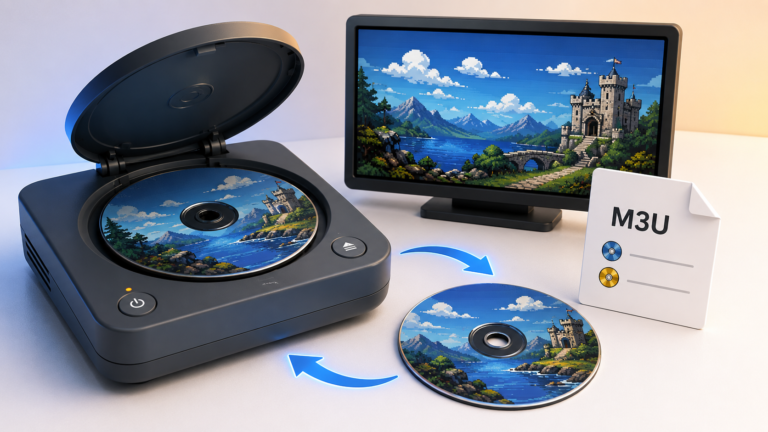
Set up multi-disc games in RetroArch with M3U playlists, switch discs without restarting, and troubleshoot missing files, duplicate entries, and save problems.

RetroArch fast-forward not working? Fix hotkeys, speed limits, performance bottlenecks, choppy video, and crackling audio on retro handhelds.