Retro Game Stick Freezing or Crashing? Fix Power, Heat, SD Card, and Emulator Problems
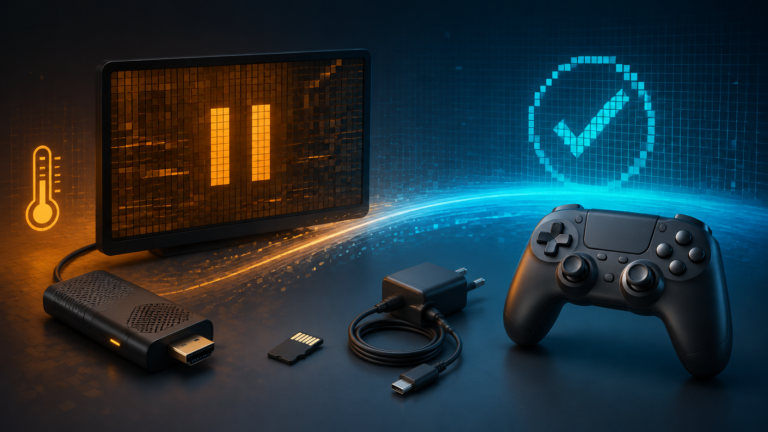
Fix a retro game stick that freezes or crashes by checking power, heat, the system card, game files, emulator settings, and controller input in the right order.

Fix a retro game stick that freezes or crashes by checking power, heat, the system card, game files, emulator settings, and controller input in the right order.
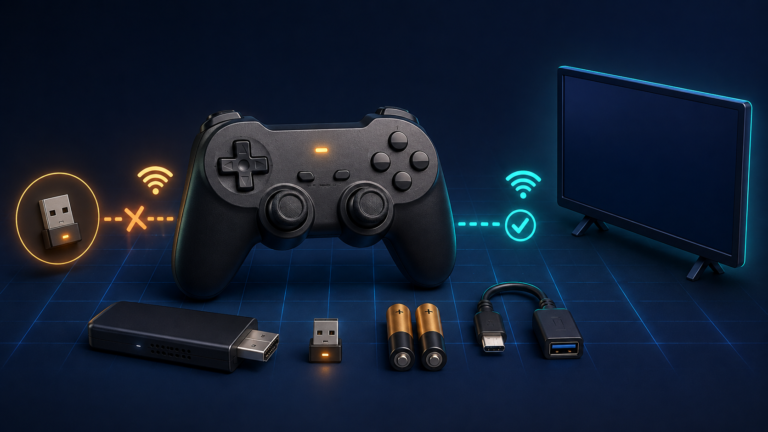
Fix a retro game stick controller that is not working by checking batteries, the 2.4 GHz receiver, pairing, player assignment, and button mapping in the right order.
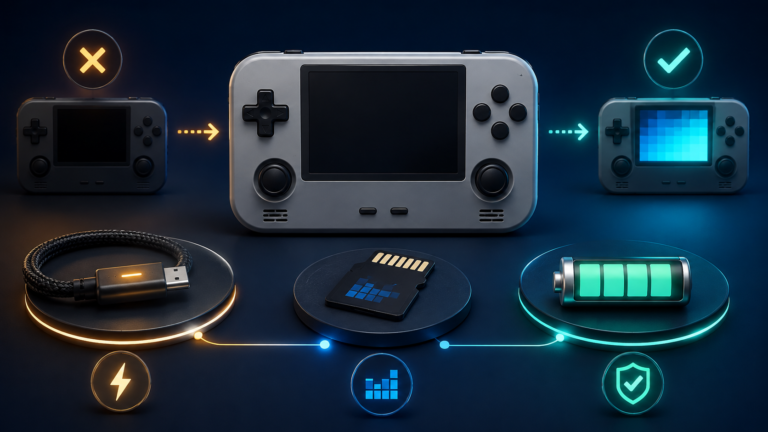
Diagnose a retro handheld that won’t turn on by checking charging, the system microSD card, firmware, black-screen symptoms, and battery safety in the right order.
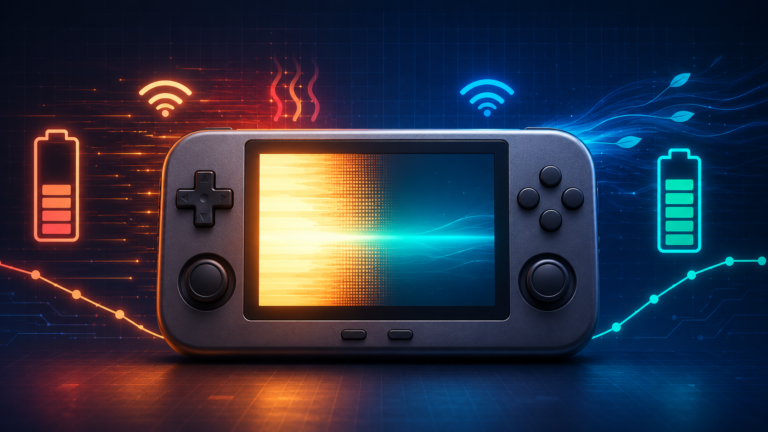
Fix a retro handheld battery draining fast by adjusting brightness, performance modes, emulator workload, wireless features, cooling, sleep behavior, and charging.
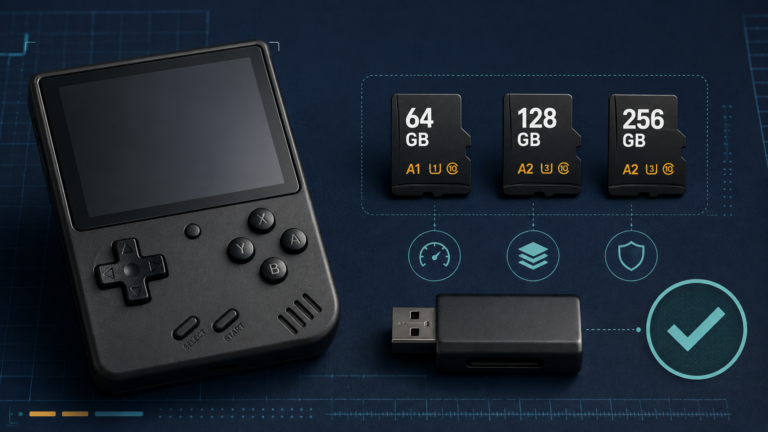
The microSD card is one of the most important—and most overlooked—parts of a retro handheld. It stores the operating system, emulator settings, box art, save files, and often the entire game library. A weak or counterfeit card can cause missing…
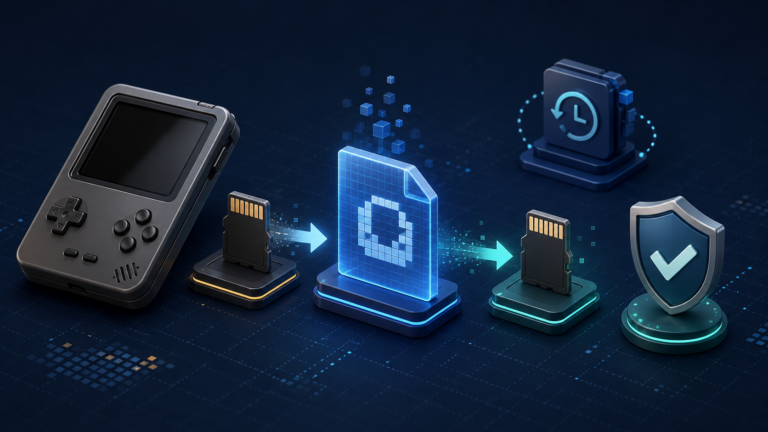
A retro handheld can store its operating system, emulator settings, BIOS files, game library, and saves on one or two tiny microSD cards. If a card becomes corrupted or stops working, replacing the hardware is easy; rebuilding every setting and…