Retro Handheld Won’t Turn On? Check the Battery, microSD Card, and Firmware
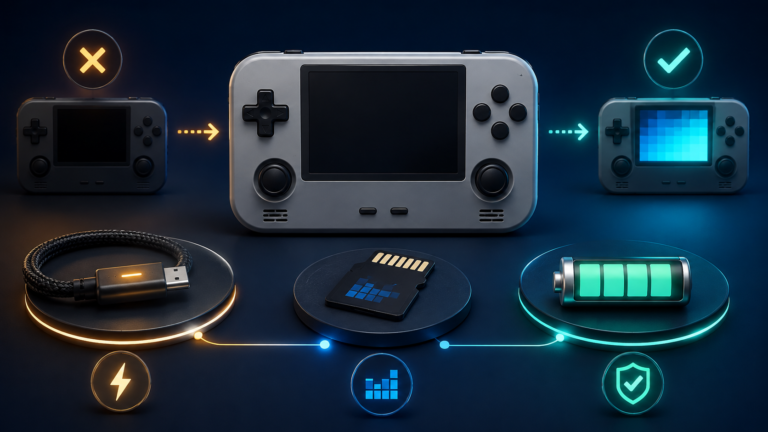
Diagnose a retro handheld that won’t turn on by checking charging, the system microSD card, firmware, black-screen symptoms, and battery safety in the right order.

Diagnose a retro handheld that won’t turn on by checking charging, the system microSD card, firmware, black-screen symptoms, and battery safety in the right order.
Fix a retro handheld battery draining fast by adjusting brightness, performance modes, emulator workload, wireless features, cooling, sleep behavior, and charging.
Fix a slow retro handheld by diagnosing emulator settings, frame drops, thermal throttling, power modes, and microSD problems step by step.
RetroArch fast-forward not working? Fix hotkeys, speed limits, performance bottlenecks, choppy video, and crackling audio on retro handhelds.
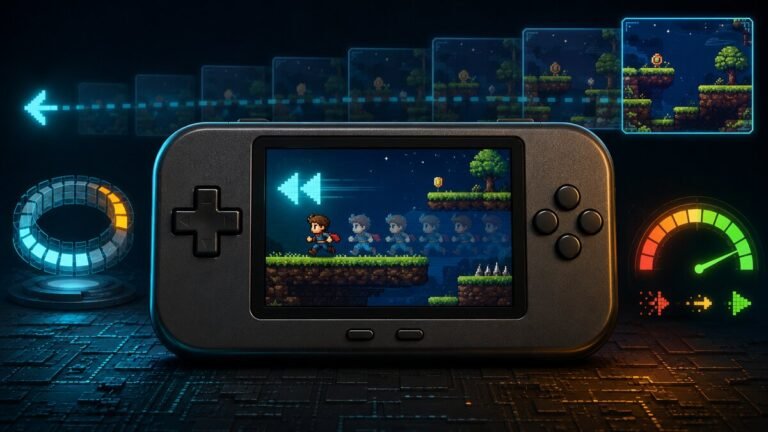
RetroArch rewind not working? Learn how to enable it, map the hotkey, adjust the buffer, and fix stuttering, freezing, and audio problems.

RetroAchievements not working in RetroArch? Fix login errors, unsupported games, incorrect hashes, incompatible cores, and Hardcore Mode conflicts.

Compare the best RetroArch shaders for CRT scanlines, handheld LCD grids, and clean pixel art, with compatibility and performance tips for every device.
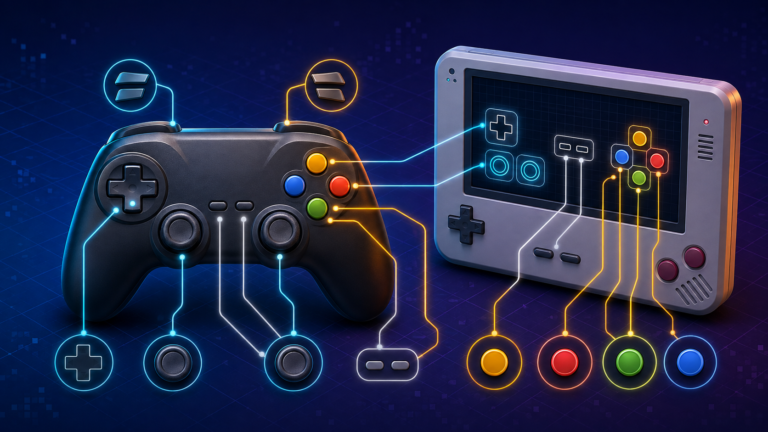
If your buttons are swapped, the analog stick does nothing, or one game needs a different layout, you do not need to reconfigure everything from scratch. RetroArch separates controller detection, global input settings, and game-specific remaps. Understanding those layers is…
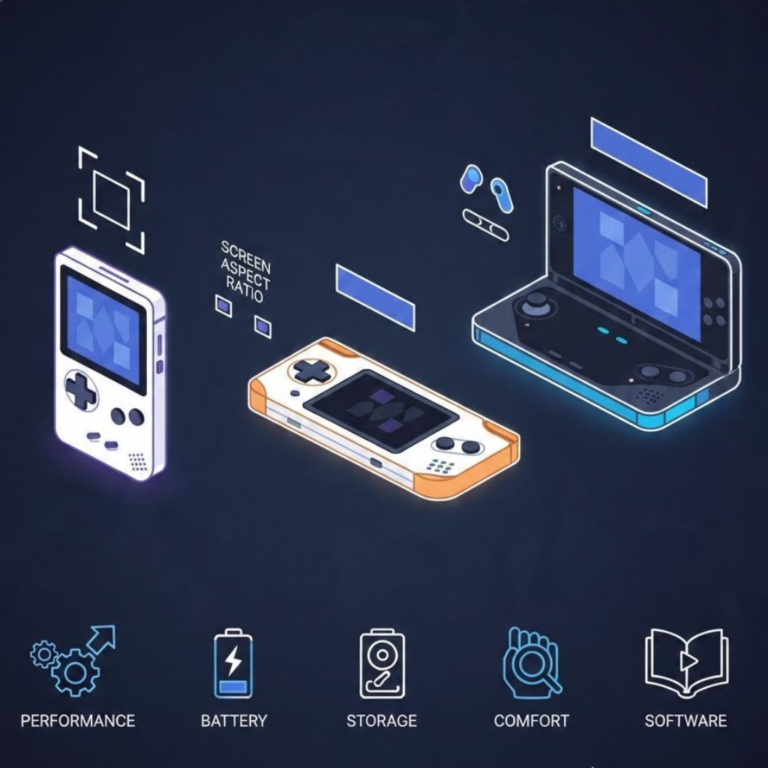
Not every retro handheld is right for every player. Use these eight checks to compare performance, screen shape, controls, software, storage, comfort, battery, and long-term support.
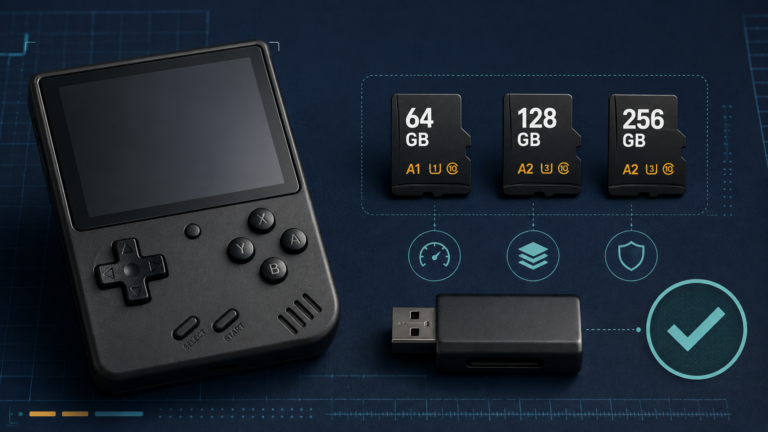
The microSD card is one of the most important—and most overlooked—parts of a retro handheld. It stores the operating system, emulator settings, box art, save files, and often the entire game library. A weak or counterfeit card can cause missing…