RetroArch Playlists Not Showing Games? How to Fix Scanning, Names, and Missing Entries
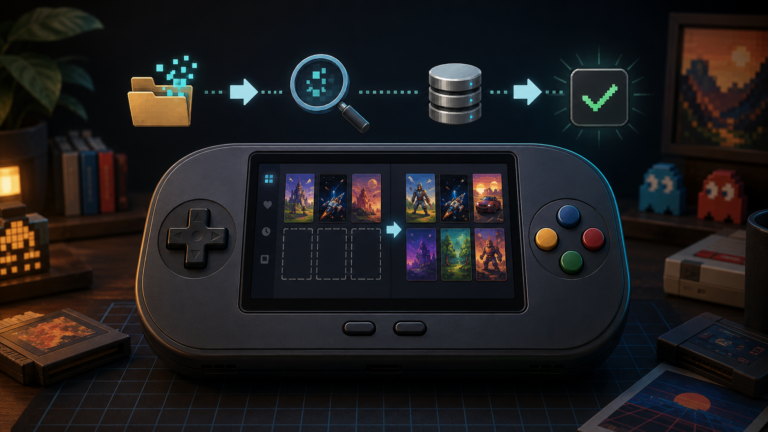
Fix RetroArch playlists not showing games by updating databases, checking ROM folders, using Manual Scan, correcting system names, and rebuilding missing entries.

Fix RetroArch playlists not showing games by updating databases, checking ROM folders, using Manual Scan, correcting system names, and rebuilding missing entries.
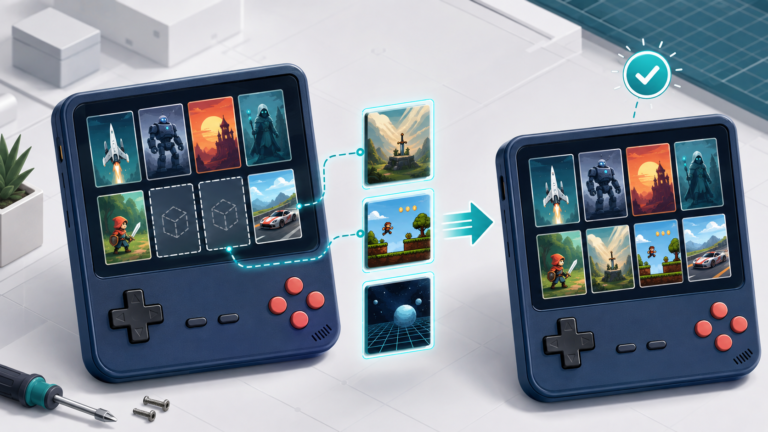
RetroArch thumbnails missing? Fix blank box art, screenshots, title images, playlist names, download settings, and thumbnail folders safely.

RetroArch settings keep resetting? Learn how to save retroarch.cfg, identify overrides, fix read-only storage, and preserve controller and core settings.
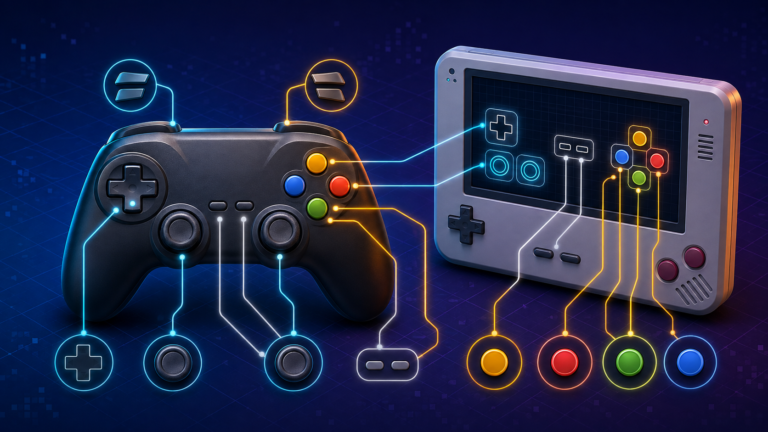
If your buttons are swapped, the analog stick does nothing, or one game needs a different layout, you do not need to reconfigure everything from scratch. RetroArch separates controller detection, global input settings, and game-specific remaps. Understanding those layers is…
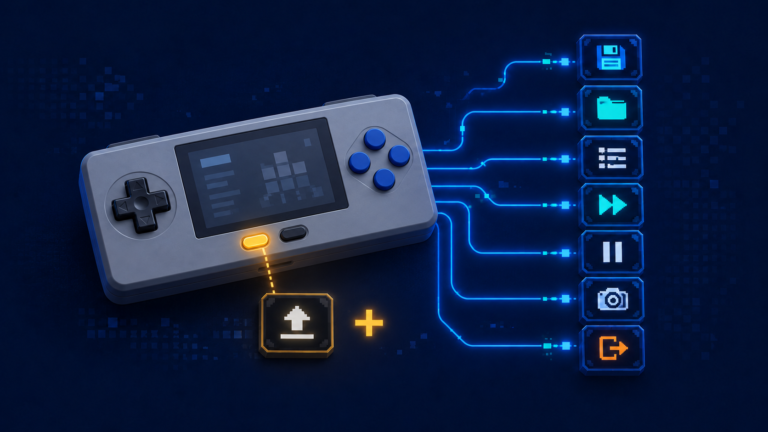
Learn how RetroArch hotkeys work and safely configure save, load, exit, fast-forward, menu, screenshot, pause, and rewind controls.
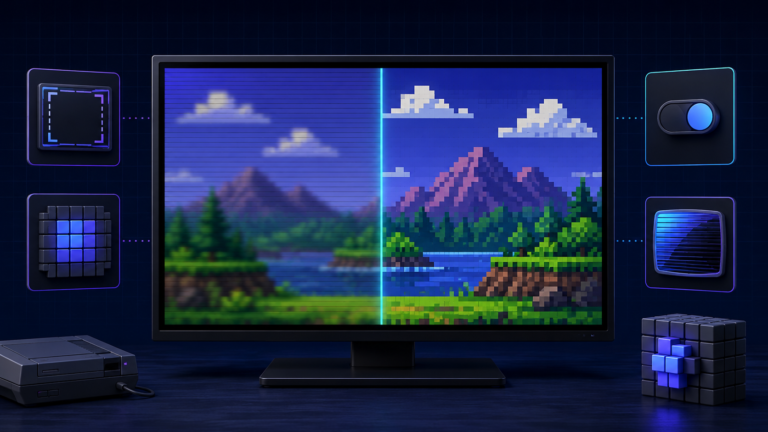
Retro games were designed for displays very different from today’s LCD and OLED screens. When a low-resolution console image is stretched across a modern panel, pixels can become soft, uneven, or distorted. A game that looked clear on a small…
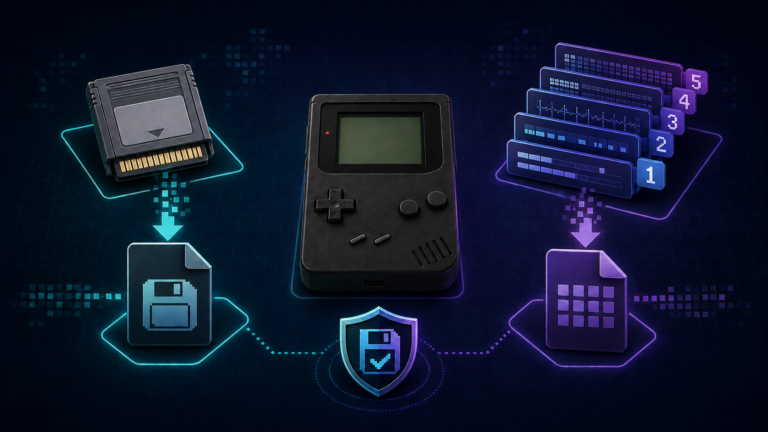
Understand RetroArch save files and save states, where they are stored, why states can break, and how to protect or move your game progress safely.
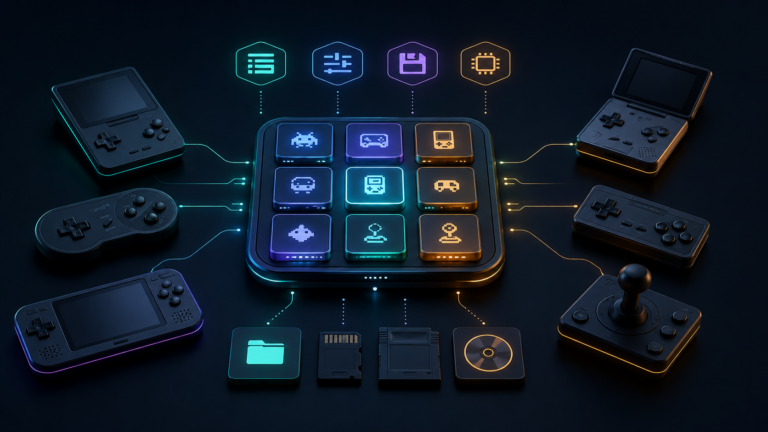
Understand how RetroArch works: learn what cores, content, playlists, BIOS files, save states, and configuration directories do before changing settings.
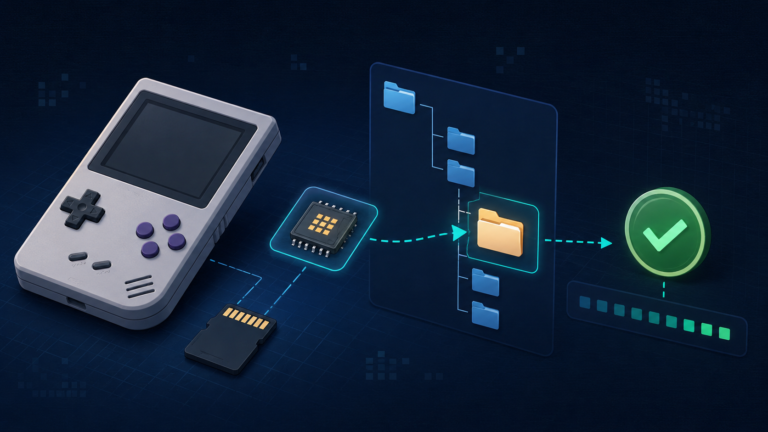
Learn what BIOS files do on a retro handheld, where to place them, and how to verify filenames, folders, and checksums before troubleshooting.