RetroArch Explained: Cores, Content, Playlists, and Settings
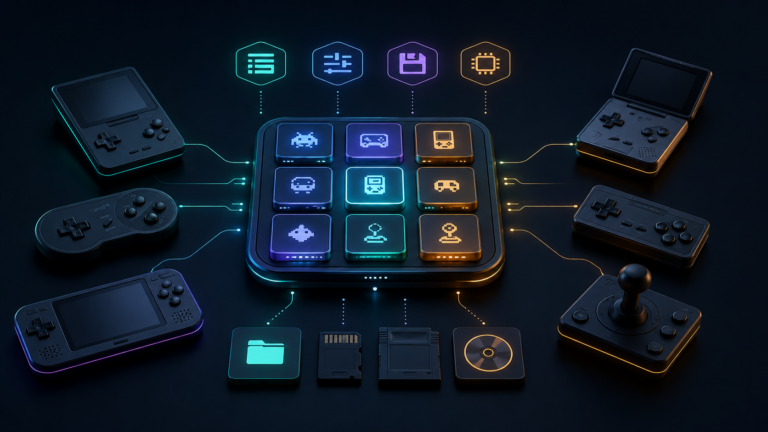
Understand how RetroArch works: learn what cores, content, playlists, BIOS files, save states, and configuration directories do before changing settings.

Understand how RetroArch works: learn what cores, content, playlists, BIOS files, save states, and configuration directories do before changing settings.
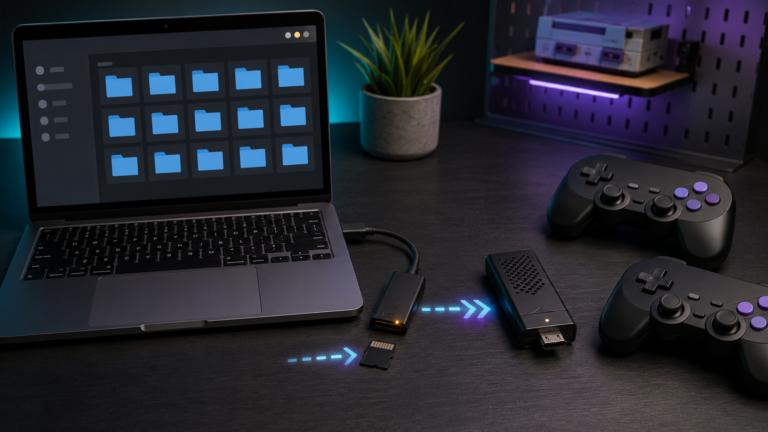
Add games to a retro game stick safely: back up the card, use the correct folders and formats, refresh the library, test saves, and avoid corruption.
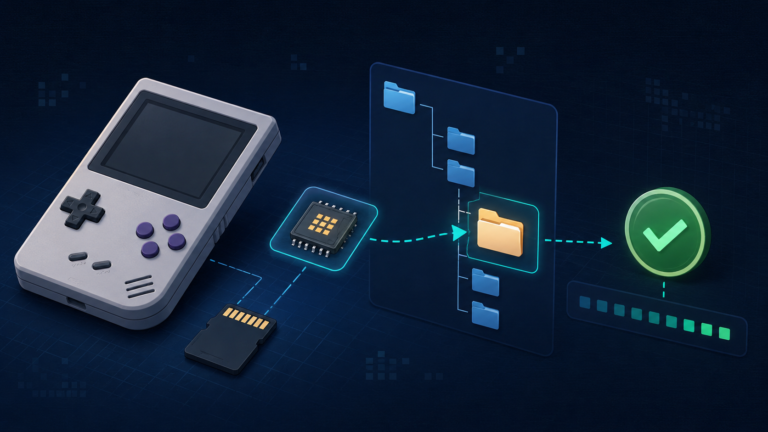
Learn what BIOS files do on a retro handheld, where to place them, and how to verify filenames, folders, and checksums before troubleshooting.
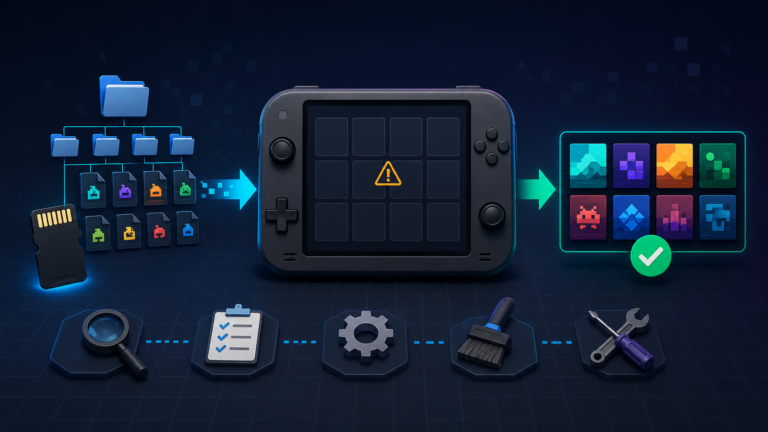
Games missing from your retro handheld? Check ROM folders, file formats, game-list refresh, BIOS requirements, filters, and microSD card errors.
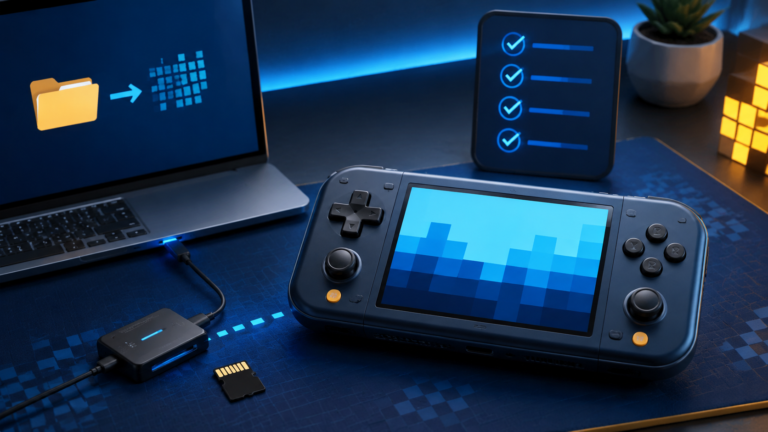
Set up a retro handheld safely: back up the original card, install compatible firmware, add games and BIOS files, test saves, and avoid common mistakes.