How to Add Games to a Retro Game Stick Without Breaking the SD Card
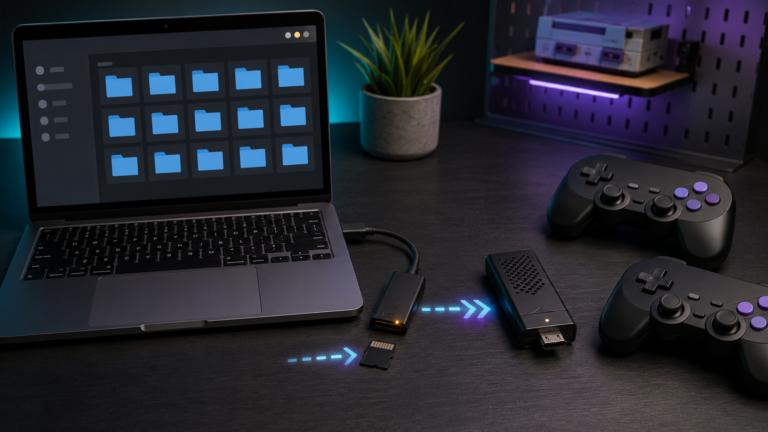
Add games to a retro game stick safely: back up the card, use the correct folders and formats, refresh the library, test saves, and avoid corruption.

Add games to a retro game stick safely: back up the card, use the correct folders and formats, refresh the library, test saves, and avoid corruption.
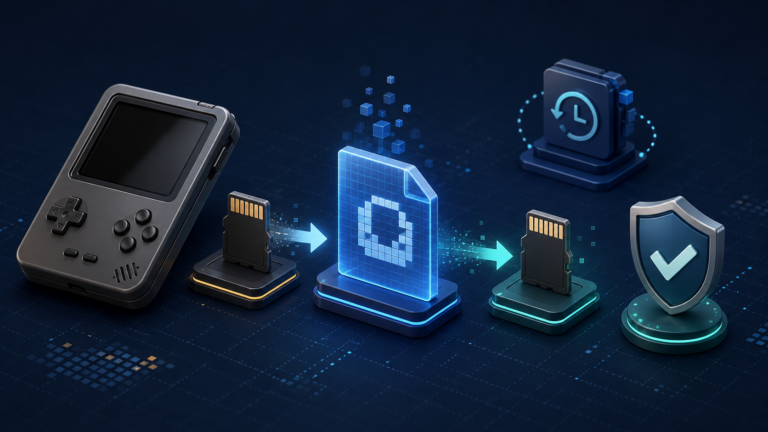
A retro handheld can store its operating system, emulator settings, BIOS files, game library, and saves on one or two tiny microSD cards. If a card becomes corrupted or stops working, replacing the hardware is easy; rebuilding every setting and…
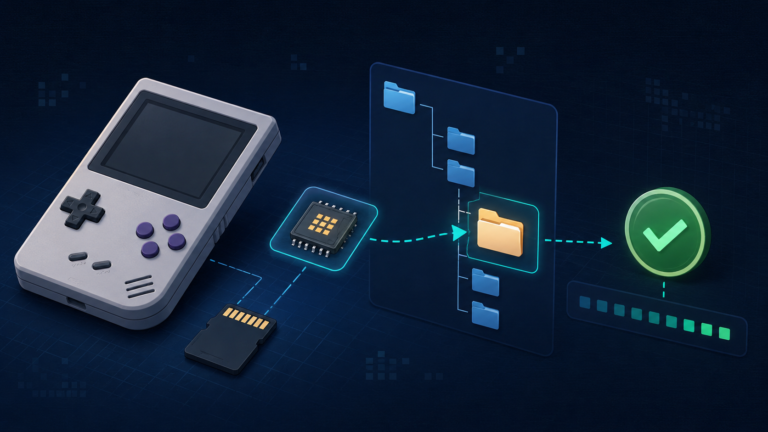
Learn what BIOS files do on a retro handheld, where to place them, and how to verify filenames, folders, and checksums before troubleshooting.
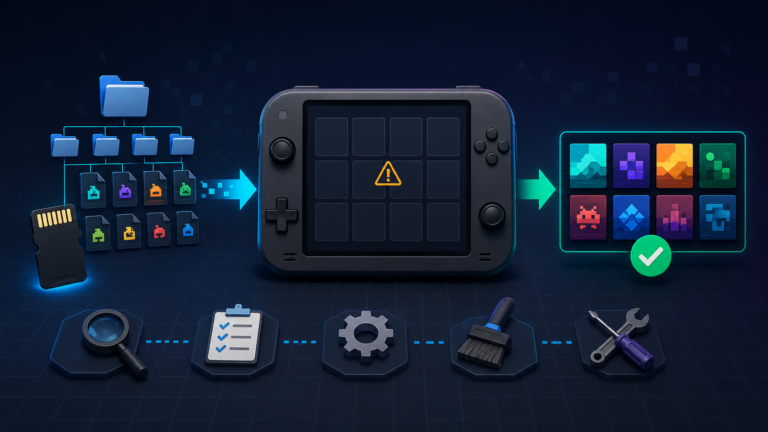
Games missing from your retro handheld? Check ROM folders, file formats, game-list refresh, BIOS requirements, filters, and microSD card errors.
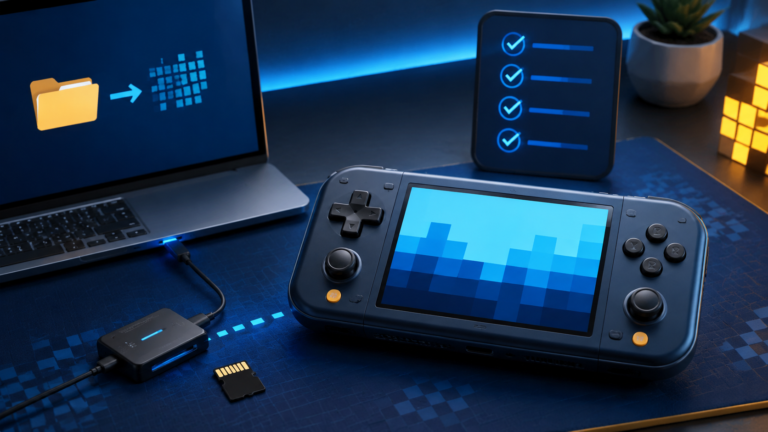
Set up a retro handheld safely: back up the original card, install compatible firmware, add games and BIOS files, test saves, and avoid common mistakes.