How to Add Games to a Retro Game Stick Without Breaking the SD Card
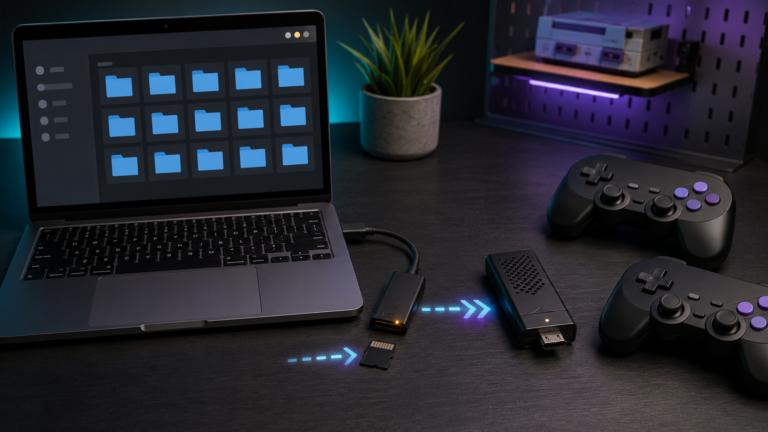
Add games to a retro game stick safely: back up the card, use the correct folders and formats, refresh the library, test saves, and avoid corruption.

Add games to a retro game stick safely: back up the card, use the correct folders and formats, refresh the library, test saves, and avoid corruption.
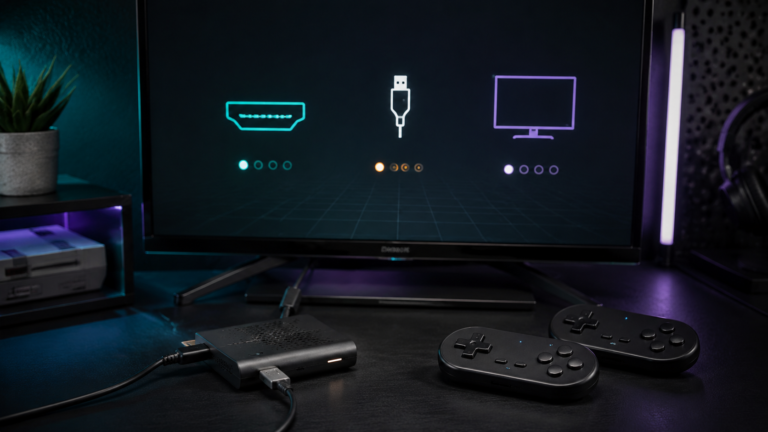
Fix a retro game stick with no signal: check HDMI input, power, display compatibility, microSD health, controller dongles, and safe recovery steps.