
Not every retro handheld is designed for the same games or the same type of player. A small vertical device may be excellent for Game Boy titles but uncomfortable for analog-heavy games. A powerful Android handheld may run demanding systems, but it can require more setup than a simple Linux-based device.
The safest way to choose a retro handheld is to start with the games you want to play—not the largest processor number or the longest feature list.
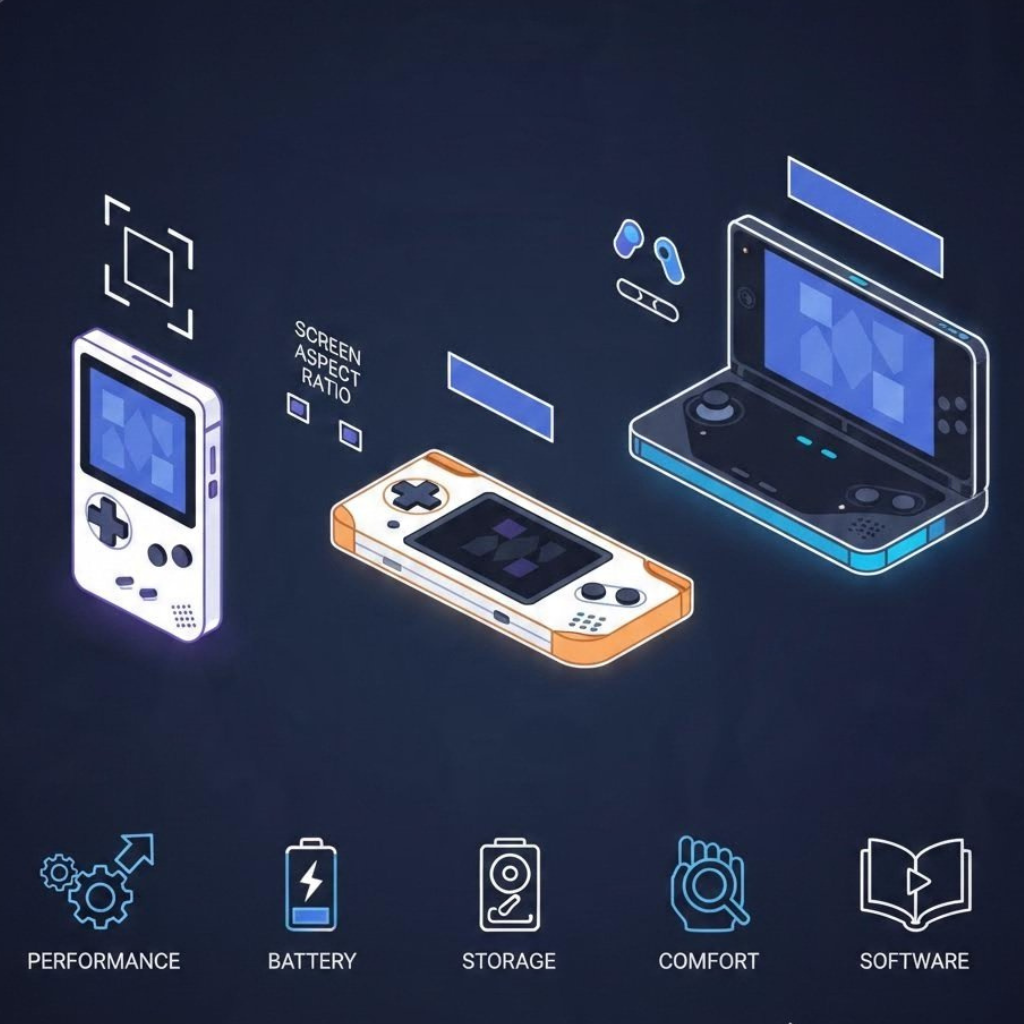
This guide explains eight things to check before buying, including performance, screen shape, controls, operating system, storage, battery, comfort, and long-term support.
The short answer
Before buying a retro handheld, answer these questions:
1. Which game systems do you genuinely want to play?
2. Does the screen shape match those systems?
3. Are the controls appropriate for those games?
4. Do you prefer a simple Linux interface or a flexible Android environment?
5. Is the storage reliable and replaceable?
6. Is the device comfortable enough for longer sessions?
7. Are its battery, charging, and cooling arrangements practical?
8. Is there reliable documentation, firmware, and community support?
A handheld that answers these questions well is usually a better purchase than one chosen only because it claims to support many systems.
1. Start with the systems you want to play
Make a short list of your priority systems before comparing devices.
Older cartridge-based platforms such as the Game Boy, NES, Genesis, and Super Nintendo generally need less processing power than later 3D consoles. PlayStation, Nintendo 64, Dreamcast, PSP, and newer systems can require progressively stronger hardware and more careful emulator configuration.
A product page saying that a handheld “supports” a system does not mean every game will run perfectly. Performance can vary by game, emulator core, firmware, graphics driver, and settings.
RetroArch itself can use multiple cores for the same system. The official Libretro documentation explains that different cores may prioritize speed, accuracy, compatibility, or features. A demanding core that works well on a powerful device may perform poorly on inexpensive hardware.
Create three groups:
- Must play: systems that need to work reliably.
- Nice to have: systems you are willing to configure or test.
- Not important: systems that should not influence the purchase.
Buy for the first group. Treat the second as a bonus.
If RetroArch terminology is unfamiliar, read our guide to RetroArch cores, content, playlists, and settings before comparing performance claims.
2. Match the screen to your favorite games
Screen size is only part of the decision. Aspect ratio and resolution can matter just as much.
Many classic home consoles were designed around a picture close to 4:3. A 4:3 screen can display these systems efficiently, with little unused space. Wide 16:9 displays are often a better match for PSP games, widescreen Android games, game streaming, and some ports.
Square and near-square screens can work particularly well for Game Boy, Game Boy Color, vertical arcade games, Pico-8, and Nintendo DS layouts. However, a square screen may leave larger borders when displaying widescreen content.
Check:
- Screen size
- Native resolution
- Aspect ratio
- IPS, OLED, or another panel type
- Brightness
- Touch support
- Refresh rate
- Whether the screen is fully laminated
Higher resolution can make scaling more flexible, but it does not automatically produce a better retro image. Poor filtering or an incorrect aspect ratio can make pixel art look soft even on a high-resolution display.
Our guide to fixing blurry retro games on modern screens explains integer scaling, aspect ratio, filters, and shaders in more detail.
3. Check the control layout—not just the number of buttons
The games you play should determine the controls you need.
For 8-bit and 16-bit systems, a good directional pad and responsive face buttons may matter more than dual analog sticks. PlayStation, Nintendo 64, Dreamcast, PSP, and later platforms benefit from analog controls. Some games also depend on analog triggers, clickable sticks, motion controls, or a touchscreen.
Inspect the following:
- D-pad position and shape
- Face-button size and spacing
- Analog-stick placement
- Analog versus digital shoulder triggers
- L2 and R2 accessibility
- Start, Select, and menu buttons
- Hotkey placement
- Touchscreen availability
- Vibration and motion controls
A device can have every required button and still be uncomfortable. Closely stacked shoulder buttons, recessed menu buttons, or small face buttons may become frustrating during longer sessions.
RetroArch maps physical controls through its controller layer, and mappings can be changed for a controller, core, or individual game. Software remapping is useful, but it cannot repair an uncomfortable physical layout. The official Libretro input documentation explains how this controller system works.
4. Decide between Linux and Android
Many retro handhelds use either a Linux-based gaming system or Android. Some support both.
Linux handhelds
Linux-based handheld firmware commonly opens directly into a controller-friendly frontend such as EmulationStation. These devices can feel more like dedicated consoles and may require less daily navigation.
They are often a good fit when you want:
- A focused game-library interface
- Quick startup
- Simple controller navigation
- Separate folders for each system
- Minimal interaction with mobile applications
However, firmware compatibility can be device-specific. A popular custom firmware image may support one model but not another hardware revision.
Android handhelds
Android handhelds can provide access to standalone emulators, Android games, streaming applications, touchscreen controls, and broader customization.
They are often a good fit when you want:
- Standalone emulator applications
- Game streaming
- Android games
- Touchscreen interfaces
- More control over individual emulator settings
The tradeoff is additional setup. You may need to install applications, configure folders, grant storage access, map controls, and organize a frontend.
Official product specifications demonstrate how widely handheld designs can differ. Current Anbernic models include Linux, Android, and dual-system designs, while Retroid’s official specifications emphasize Android, touch displays, wireless features, and active cooling on several models. Always verify the exact product page rather than assuming every device from a brand uses the same system.
5. Inspect storage and microSD support
Storage affects firmware, game libraries, artwork, saves, updates, and recovery.
Some handhelds boot entirely from a microSD card. Others use internal storage for the operating system and a card only for games. Dual-card designs may separate firmware from the game library.
Before buying, determine:
- Whether the operating system uses internal storage or microSD
- Whether the card is replaceable
- The maximum supported capacity
- Whether the device has one or two card slots
- How firmware recovery works
- Whether the included card is from a recognizable manufacturer
Do not assume an included high-capacity card is reliable. A dependable replacement card and a backup of the original setup can be more valuable than a large preloaded library.
The SD Association defines A1 and A2 Application Performance Classes for minimum random and sequential performance under specified conditions. These ratings can help when applications or system files run from the card, although device compatibility and card authenticity still matter.
Read our microSD card buying guide for retro handhelds before purchasing replacement storage.
6. Consider comfort, size, and portability
Product photographs can make a handheld look larger or smaller than it really is. Check its dimensions and weight before ordering.
Vertical handhelds can be compact and nostalgic, but horizontal designs often provide more room for analog sticks, shoulder buttons, and hand grips. A very small device may fit easily in a pocket while becoming uncomfortable during longer sessions.
Consider:
- Vertical or horizontal layout
- Weight
- Thickness
- Grip shape
- Button spacing
- Screen distance from your eyes
- Pocketability
- Availability of a protective case
If possible, compare the listed dimensions with a controller, phone, or handheld you already own. Reviews showing the device in a person’s hands are more useful for judging scale than isolated promotional images.
Think about where you will use it. A device for short trips has different priorities from one intended for long sessions at home.
7. Check battery, charging, and heat
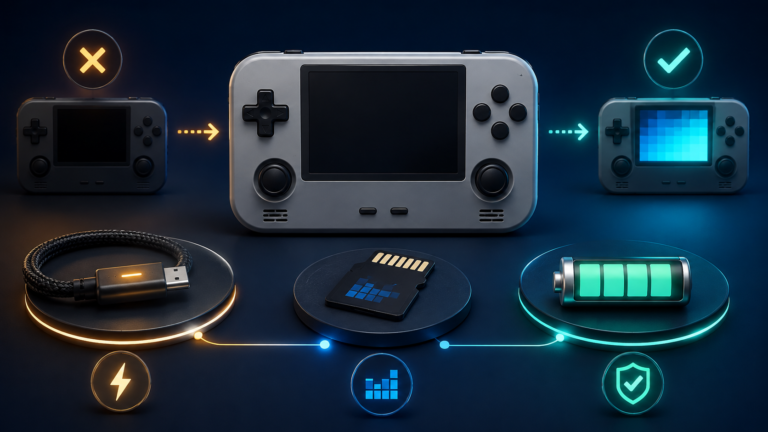
Battery-capacity numbers do not provide a complete prediction of play time. The processor, screen brightness, Wi-Fi, cooling system, emulator workload, and power settings all affect consumption.
A demanding 3D game can use more power than a 2D Game Boy title. Active cooling may help a powerful processor maintain performance, but it can add fan noise and another moving part.
Check:
- Battery capacity
- Manufacturer’s stated testing conditions
- Charging protocol
- Recommended charger
- USB-C behavior
- Active or passive cooling
- Whether battery replacement is documented
- Reports of heat near the controls or battery area
Do not assume every USB-C charger is suitable simply because the connector fits. Follow the voltage, current, and charging guidance supplied by the manufacturer.
Battery claims are best treated as estimates. Look for independent testing using the kinds of systems you intend to emulate.
8. Investigate firmware, documentation, and support
A handheld is easier to maintain when you can find reliable information about it.
Before buying, search for:
- An official product page
- Firmware downloads
- Recovery instructions
- Update history
- Device-specific setup documentation
- Known hardware revisions
- Replacement parts
- Clear return and warranty policies
- An active user community
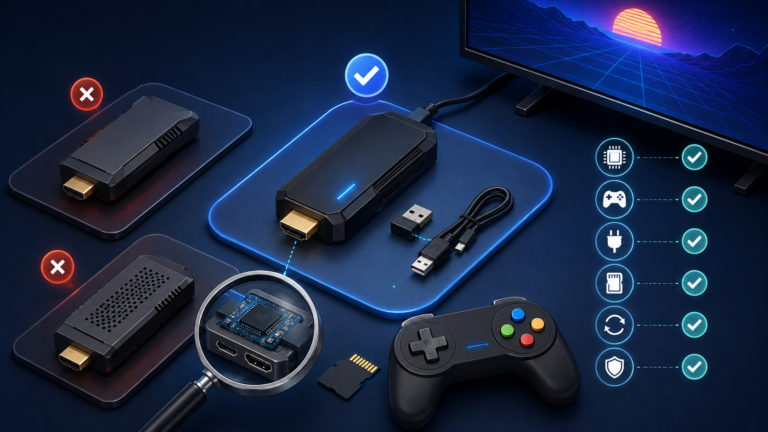
Be cautious when different sellers use the same product name for devices with different screens, boards, or wireless chips. A firmware image for a similar-looking revision can still be incompatible.
Also confirm whether the device can be restored if its storage fails. If no firmware image, recovery guide, or original-card backup is available, a simple microSD problem can become much harder to repair.
Once your device arrives, use our first-time retro handheld setup guide before changing firmware or copying a large game library.
Red flags to check before buying
Pause before purchasing if you see:
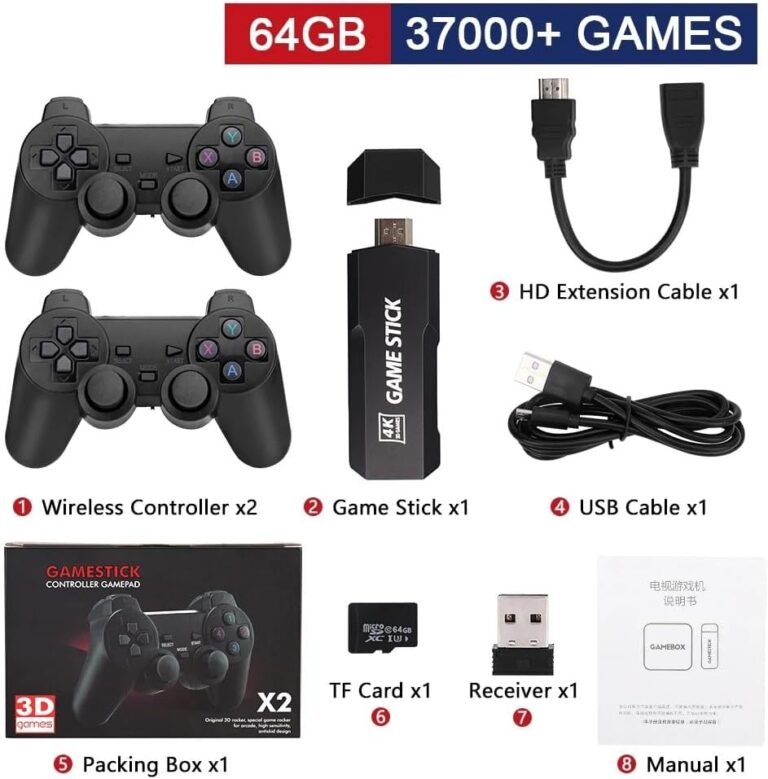
- “Supports thousands of games” without explaining performance
- No exact processor or screen resolution
- No official firmware or recovery instructions
- Inconsistent specifications across the same listing
- A large preloaded card from an unknown manufacturer
- Promises that every game from a demanding system runs perfectly
- No clear return policy
- Product images showing several different hardware designs
- Download links for commercial games, BIOS packs, or other unauthorized files
The number of included games is not a reliable measure of hardware quality. It may also introduce copyright, organization, duplication, and storage-reliability problems.
A simple buying checklist
Before ordering, write down:
- My three most important systems:
- My preferred screen shape:
- Controls I require:
- Linux, Android, or either:
- Minimum acceptable screen size:
- Maximum comfortable weight:
- Required Wi-Fi or Bluetooth features:
- Preferred storage arrangement:
- Maximum budget:
- Seller’s return period:
- Firmware or recovery page:
- First backup I will create:
If a device does not satisfy your most important requirements, extra features are unlikely to make it the right choice.
Final takeaway
The best retro handheld is not automatically the most powerful, expensive, or feature-packed model. It is the device whose performance, display, controls, software, storage, and physical design match the games you genuinely want to play.
Start with your must-play systems. Choose a screen and control layout that suit them, decide how much setup you are comfortable doing, and verify that firmware and recovery information exist before buying.
That approach may eliminate some attractive devices, but it greatly reduces the chance of paying for power or features you will never use.